¶ Basic RoninUI Troubleshooting
¶ Can't Access RoninUI Using Local Browser
- If the red LED on your Tanto is fully illuminated, then make sure any VPN or "Killswitch" is disabled on your computer and try again.
- If red LED on your Tanto turned off, only partially illuminated, or you see a blue LED, then follow the Power Reset Troubleshooting guide.
- Please check the version of RoninDojo you are currently running and update to v2.1.0 if you are using an older version.
To check:
- SSH into your Tanto's CLI Menu
- Inspect RoninOS version (located at top of CLI Menu)
- If necessary, update by navigating to:
System → Software Updates → Update RoninDojo
¶ Update Error
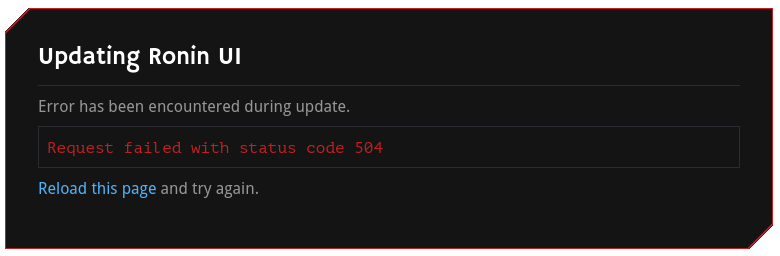
If you encounter this error when trying to run a RoninUI update, please wait a few minutes then reload the page. Once reloaded, verify you are on the correct version in the bottom right corner.
¶ Initial Setup Stuck
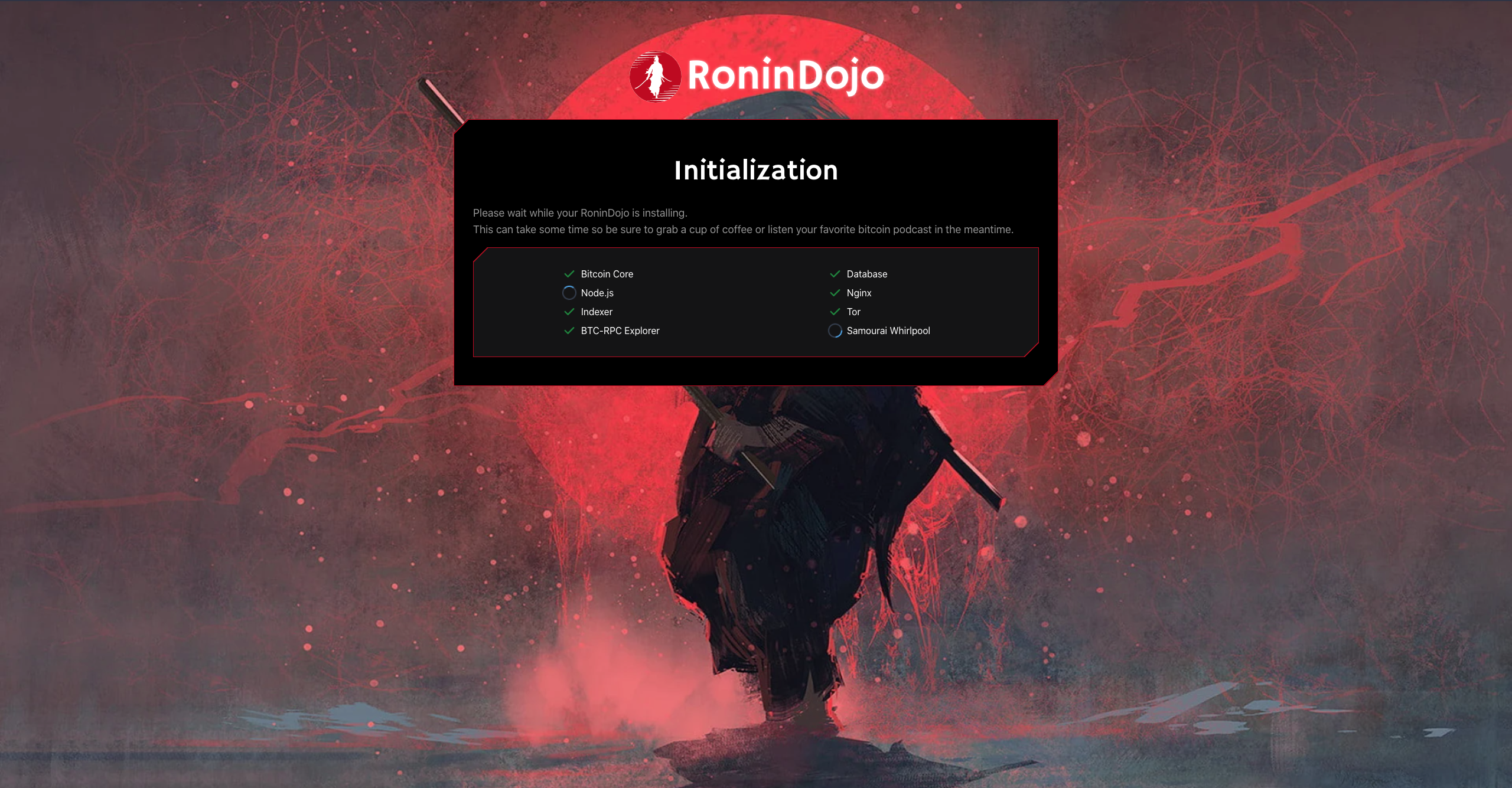
Stuck initial setup with no progress? This is usually due to a network interruption.
The most common cause is not plugging in the ethernet cable first, which prevents the setup process from starting. The second cause is usually a network drop during the setup process.
Follow the MicroSD Card Reflash Troubleshooting guide to retry a fresh deployment.
¶ Multiple RoninDojo Nodes
If you are running multiple RoninDojo bitcoin nodes on your local network, then each device's RoninUI local instance can be accessed by adding a number which corresponds to the order in which the nodes were setup.
Here is an example with 3 nodes running on the same network:
ronindojo.local
ronindojo-2.local
ronindojo-3.local
¶ Advanced RoninUI Troubleshooting
TIP: The following troubleshooting sections may be considered advanced to newer users.
¶ Restart RoninUI
Access the RoninCLI menus and select:
Ronin UI > Restart
¶ Can't Access RoninUI Using Tor Browser
If you cannot access RoninUI using Tor Browser, then try restarting and checking the status.
Access the RoninCLI menus, exit to the command line, and run command:
After restarting you can check the status and try to access RoninUI using Tor Browser again:
¶ Reinstall RoninUI
As a last restort, when all else fails, try a RoninUI reinstall.
- Access the RoninCLI.
- Select:
RoninUI > Re-Install
¶ Additional Info
Check out Extras for more inspiration and ideas.
Join the RoninDojo Chatroom and engage the community.