¶ Introduction
The Indexer on your bitcoin node indexes the entire bitcoin blockchain, and the resulting index enables fast queries for any given user wallet, allowing the user to keep real-time track of balances and transaction history. Since it runs on the user's own machine, there is no need for the wallet to communicate with external servers, thus preserving the privacy of the user's addresses and balances.
¶ Why use it?
This software help you connect bitcoin wallets to your RoninDojo node. An Indexer is particularly useful if you have a hardware wallet such as: Passport, Trezor, Cold Card, or Ledger. In short, it allows you to safely and privately interact with your various bitcoin wallets, trusting only your own node.
There's also the added benefit of enhancing your ability to restore existing Samourai Wallets in Dojo and allows more detailed searches when using your blockchain explorer.
¶ Electrum Rust Server
Your RoninDojo comes with Electrum Rust Server installed and enabled by default.
Electrs is an Electrum Rust Server that connects to your bitcoin full node. This server indexes and queries your node to verify transactions without ever having to trust any other third parties. It also provides the framework for you to connect any number of other wallets to your RoninDojo.
¶ Install Electrum Rust Server
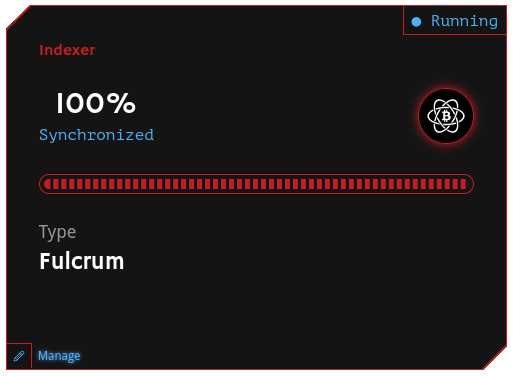
- If you have changed your Indexer from the default Electrs and you want to switch back, then you can go to the Indexer card on the RoninUI dashboard and click
Managein the bottom left corner.
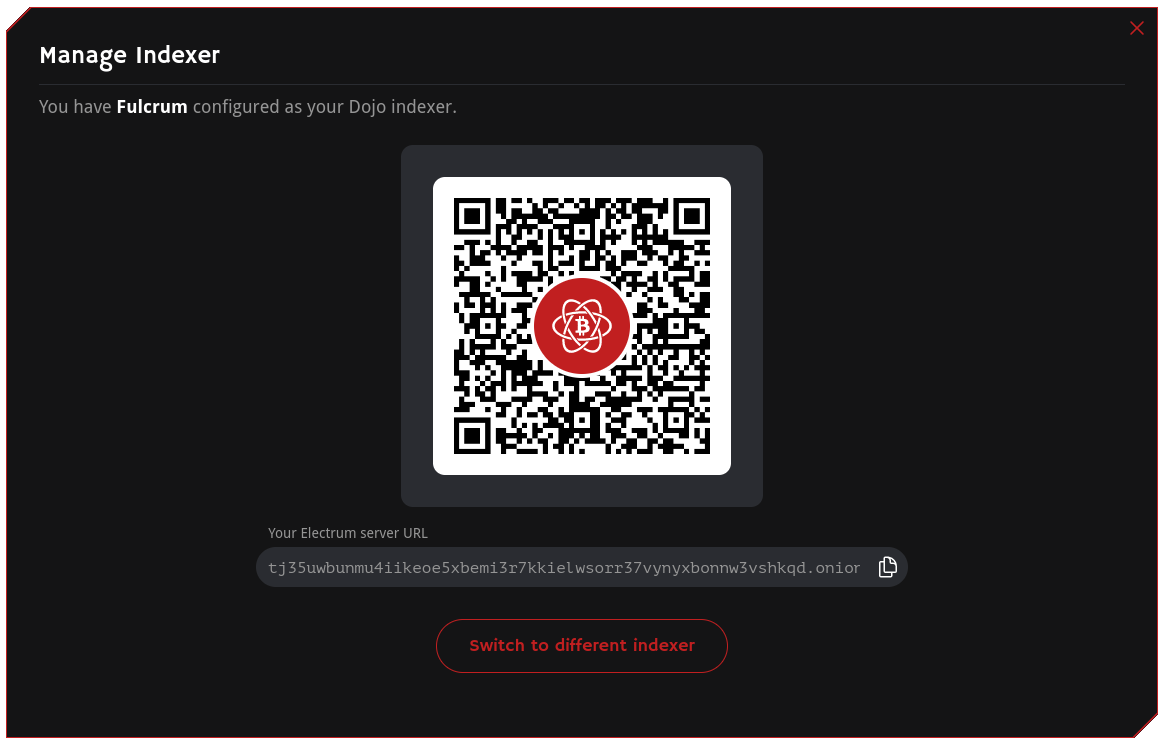
- Click the
Switch to different indexerbutton.
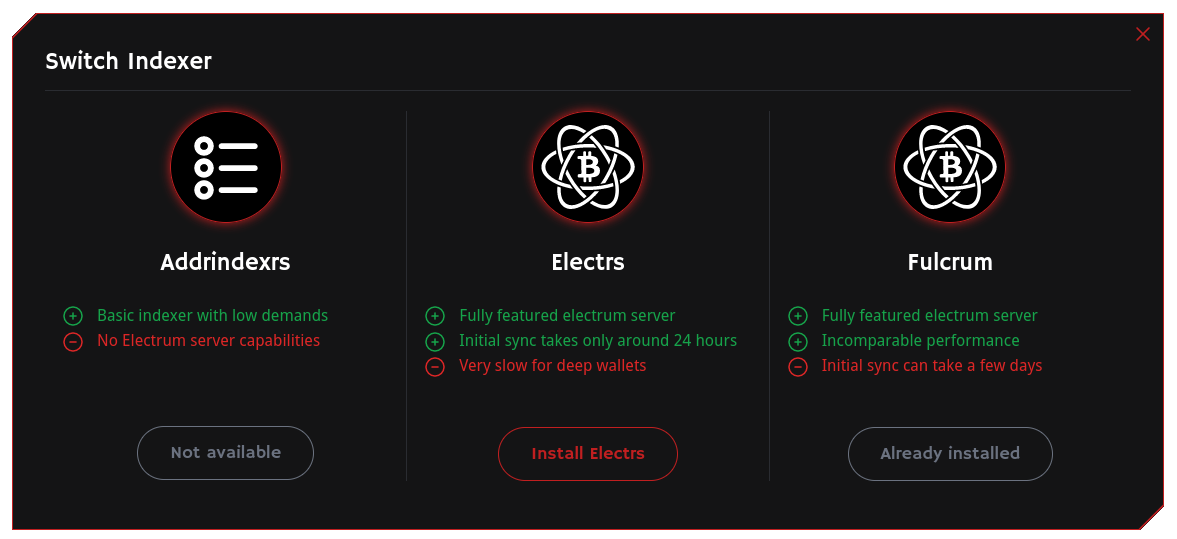
- Choose to switch the Indexer to Electrs.
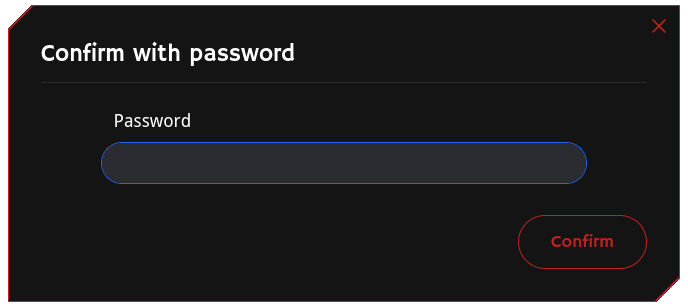
- Confirm your password.
- After installation, Electrs will take around 10 hours to fully index the blockchain. Do not attempt to use the node until this process is complete.
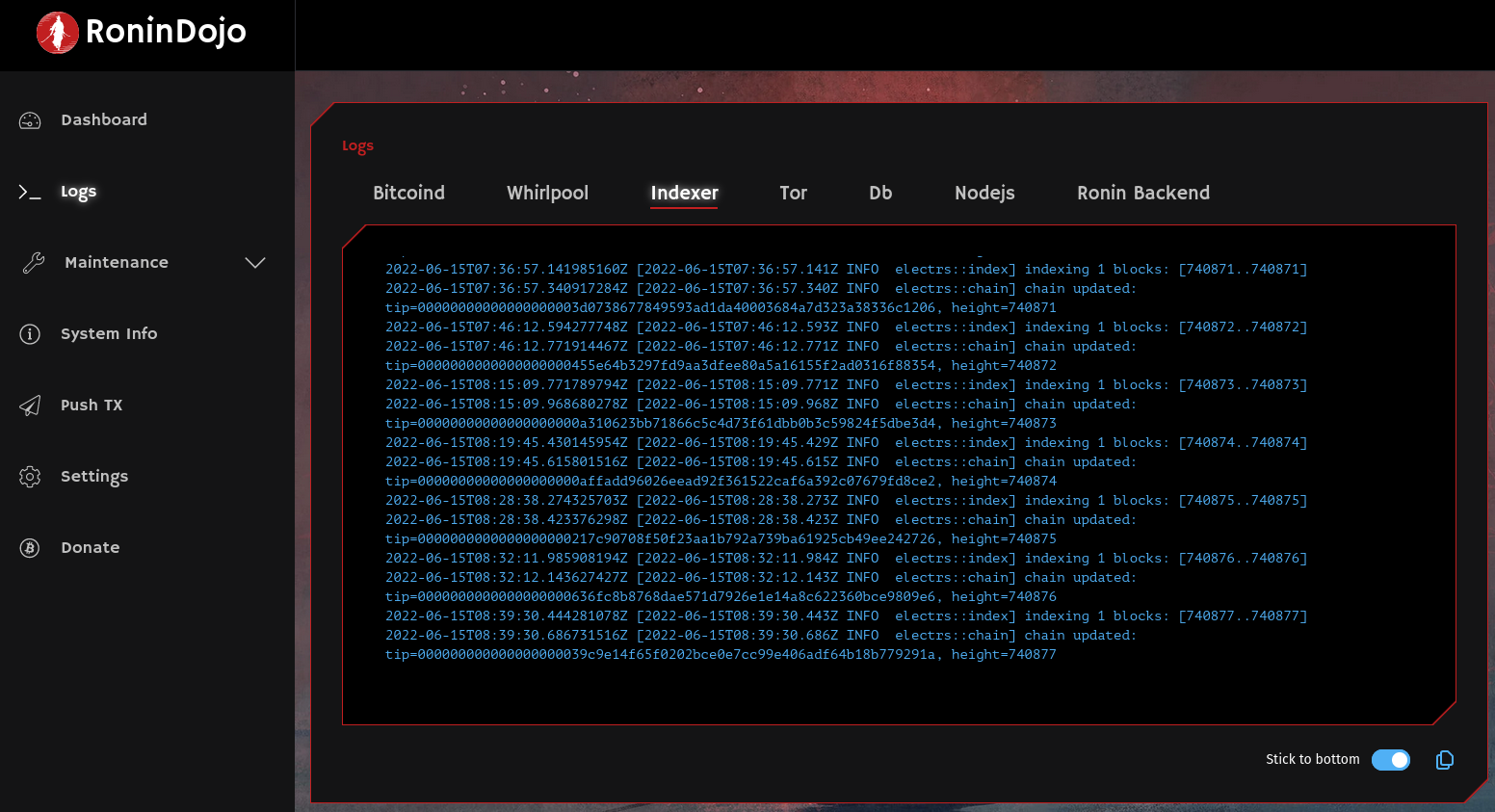
- To confirm that Electrs has completed indexing you can view
indexer logsin your RoninUI. If the latest block height is displayed, then you are ready begin using your node. If not, give it some more time before continuing.
¶ Fulcrum Server
Fulcrum is a fast and nimble SPV server that connects to your bitcoin full node. This server indexes and queries your node to verify transactions without ever having to trust any other third parties. It also provides the framework for you to connect any number of other wallets to your RoninDojo.
Fulcrum is good for anyone that has very heavily used wallets with a large number of transactions to scan through. Be aware it does take a few days to sync.
Curently Fulcrum is sensitive to sudden power loss, so please do not use this unless you can keep stable power.
¶ Install Fulcrum Server
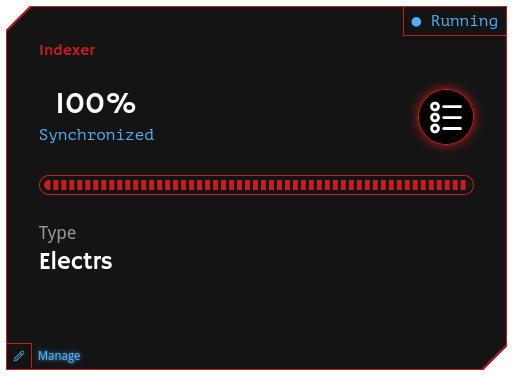
- If you want to change your Indexer from the default Electrs to Fulcrum, then you can go to the Indexer card on the RoninUI dashboard and click
Managein the bottom left corner.
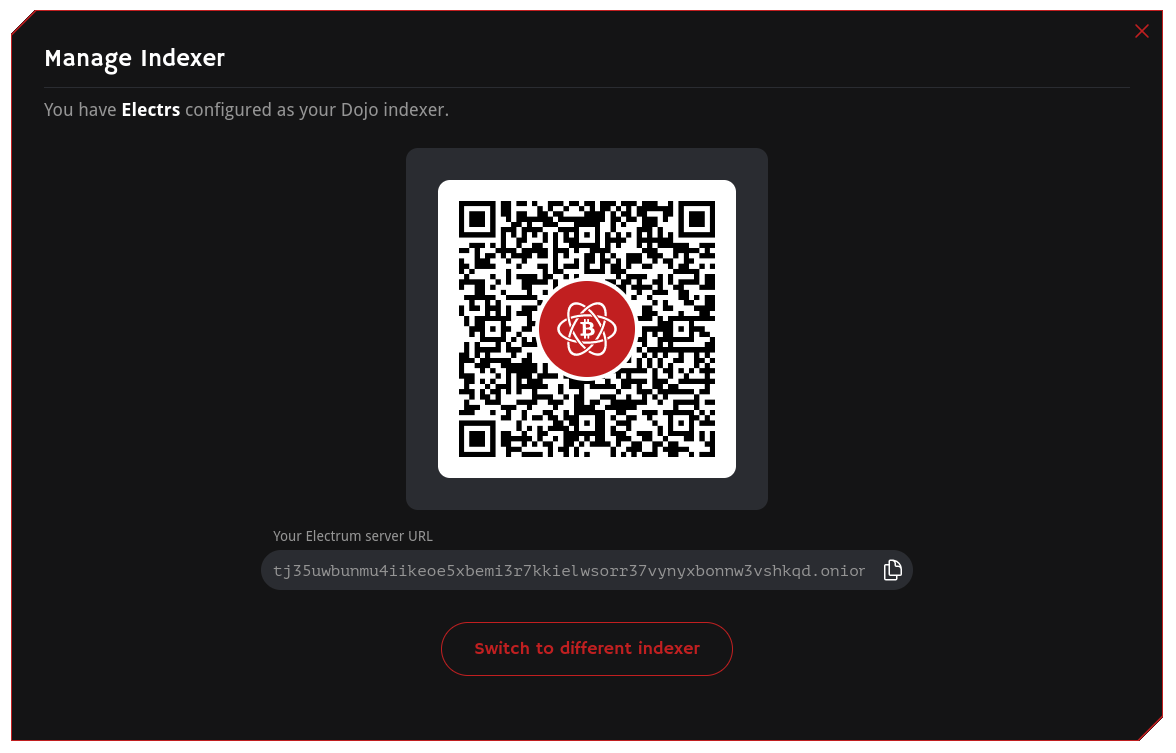
- Click the
Switch to different indexerbutton.
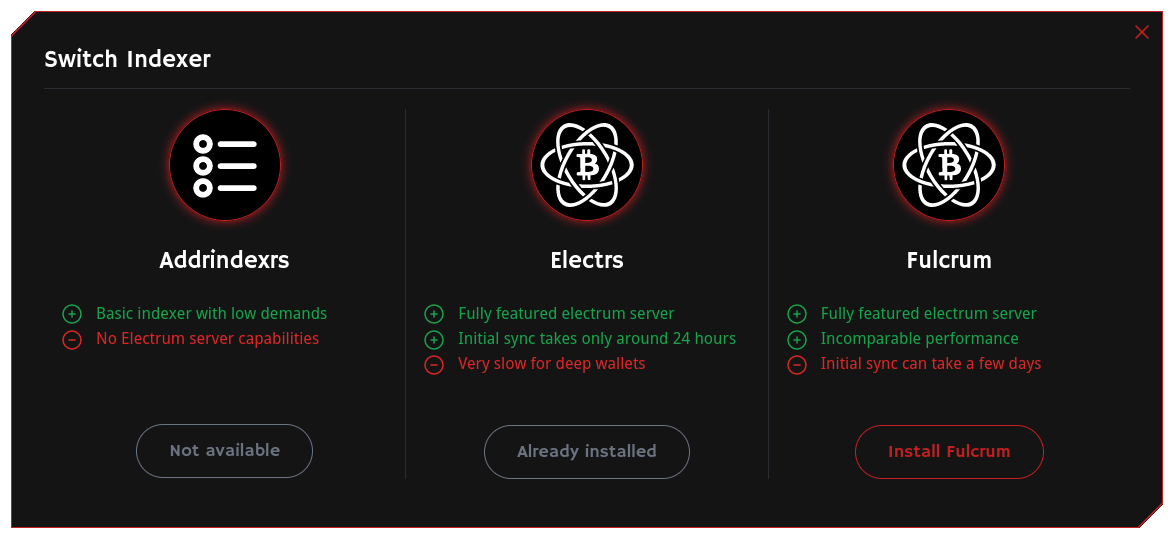
- Choose to switch the Indexer to install Fulcrum.
- Confirm your password.
- After installation, Fulcrum will take a few days to index the blockchain. Do not attempt to use the node until this process is complete.
- To confirm that Fulcrum has completed indexing you can view
Fulcrum logsin your RoninUI. If the latest block height is displayed, then you are ready begin using your node. If not, give it some more time before continuing.
TODO PICTURE
¶ Try Connecting Wallet to Indexer
¶ Install Sparrow Desktop Wallet
We highly recommend using Sparrow Wallet with your Indexer on your node. It is a great desktop application for managing hardware wallets and so much more. Check out the Sparrow Wallet section for more information.
¶ Additional Info
Check out Troubleshooting & Extras if you want more information.
Join the RoninDojo Chatroom and engage the community.