¶ Introduction
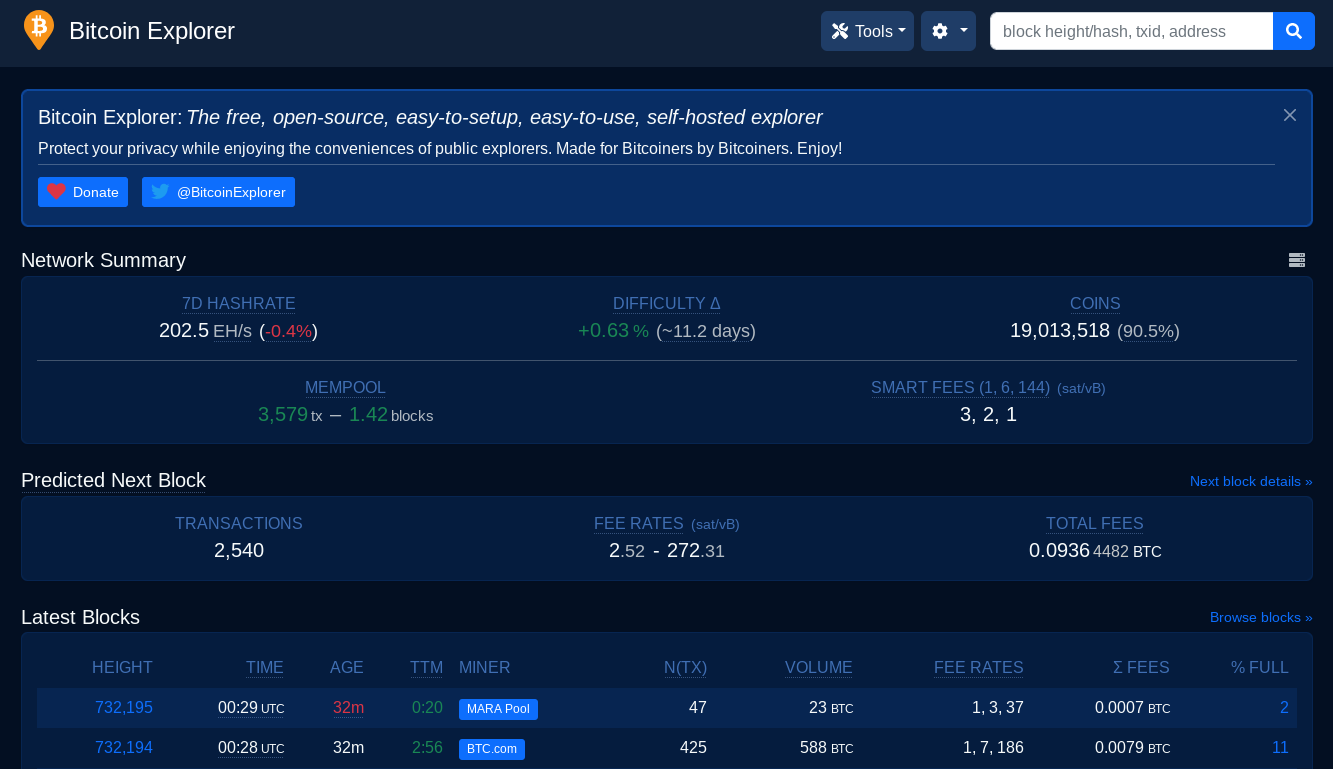
The Bitcoin explorer that comes with your RoninDojo provides you with a framework to gain pretty much any data relating to the network that you can think of. This means you can query any data you like, over the Tor network using your own node. Leaking no private information to anyone.
Anyone that deploys a RoninDojo will notice that the explorer is installed by default, and the only thing users need to do is go to the Tor URL and login.
Some of the commonly used features of the explorer include...
- Querying your transactions
- The total bitcoin supply
- Fee targets
- Mempool summary
- Recent block stats
¶ Get started
Sign in to your RoninUI.
Navigate to
Dashboard→BTC-RPC Explorer→ManageCopy to clipboard the
Explorer URL
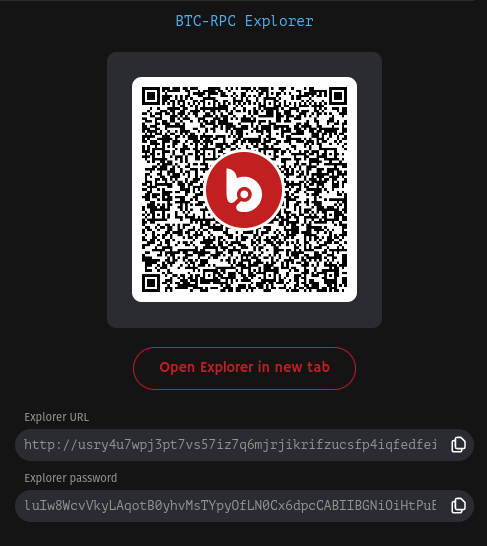
Paste the
Explorer URLinto your Tor Browser.Leave the username blank, then copy/paste the
Explorer passwordfrom the same page on your RoninUI.
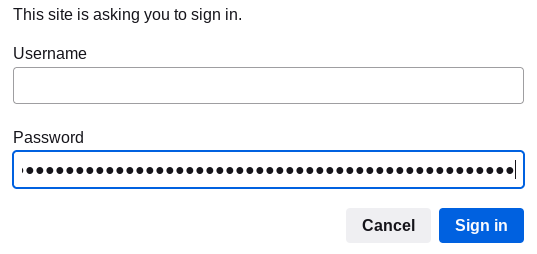
- Click Sign in, and that's it! You can now query bitcoin addresses and transactions in the most private way using your own copy of the blockchain stored on your RoninDojo node.
- Don't forget to bookmark the URL!
¶ An Important Note
You will not be able to access your explorer until your Indexer has finished it's compaction phase. So if you attempt to log in and see a 502 access error, it is likely that this process has not completed yet, try again in a few hours.
¶ Additional Info
Check out Troubleshooting & Extras if you want more information.
Join the RoninDojo Chatroom and engage the community.