¶ Introduction
RoninUI is the main interface for your RoninDojo bitcoin node and helps you:
- Login to your node remotely using Tor Browser or locally using a regular Web Browser
- Perform wallet rescans and check transactions
- Pair your wallet with your node
- View your credentials for needed for applications
- View your logs to ensure everything on your RoninDojo is running smoothly
- Start, Stop, Restart your remotely
- Check your block data download progress
- Send HEX formatted transactions from your own node
- So much more coming soon...
¶ Login to the Interface
- Open your web browser.
- Navigate to: http://ronindojo.local
- Alternatively obtain the IP address of your node, then enter it into the URL bar
- Enter your password which was created during the initial setup of your node.
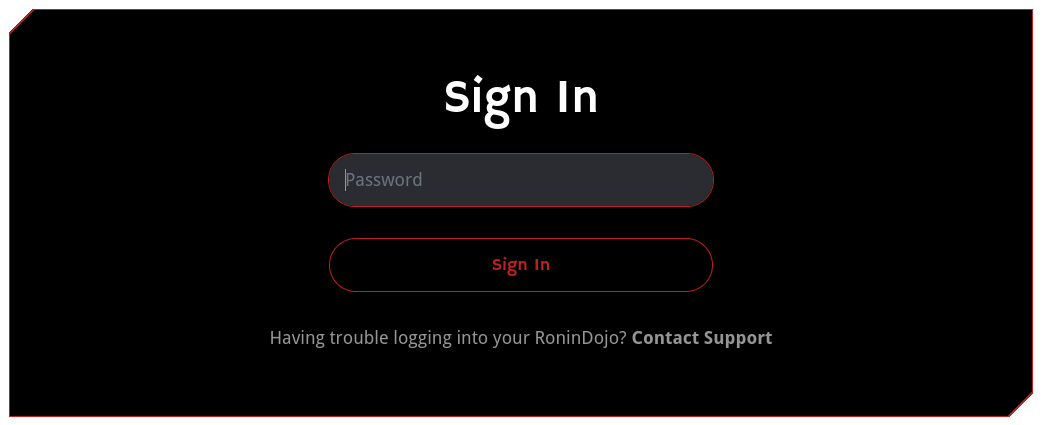
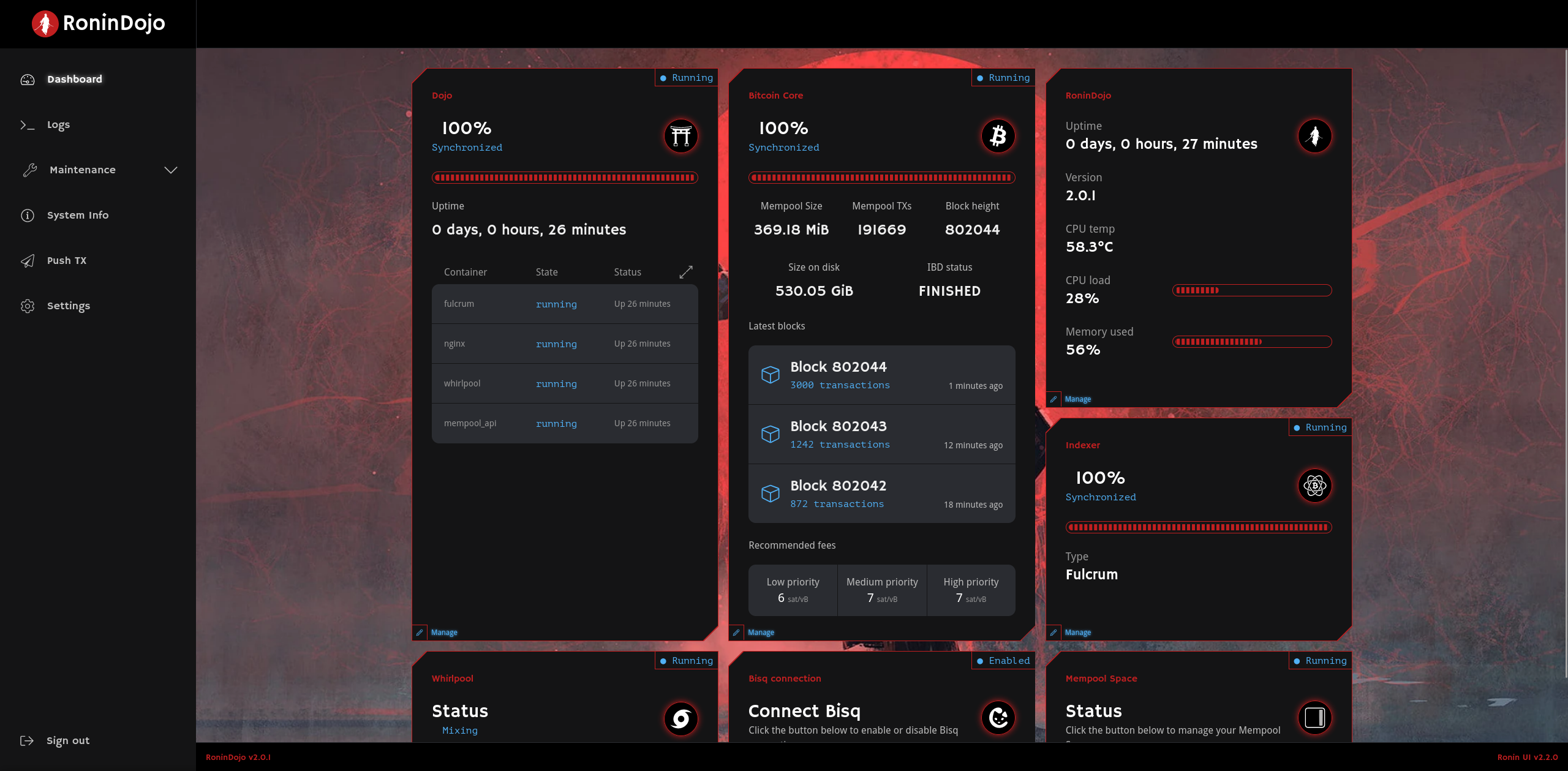
- After entering your password, you are now sucessfully logged in!
¶ Access RoninUI from Tor Browser Desktop
Using the Tor brower you can access your RoninUI when you are away from your home network!
Sign in to your RoninUI over your local network.
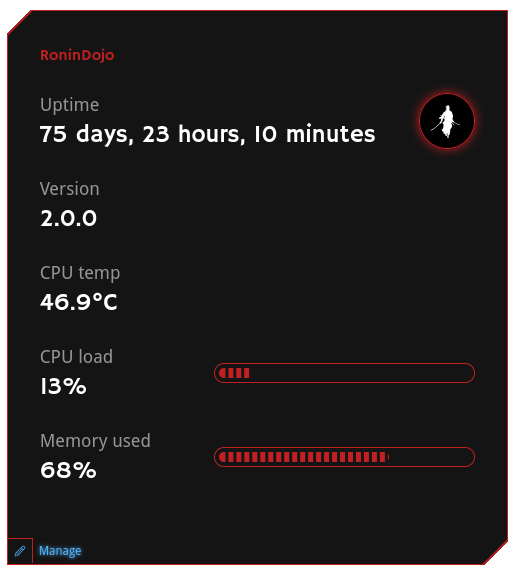
On your dashboard navigate to RoninDojo card, and click the
Managebutton in the bottom left corner.
- Copy the Tor Address which starts with http:// and ends .onion
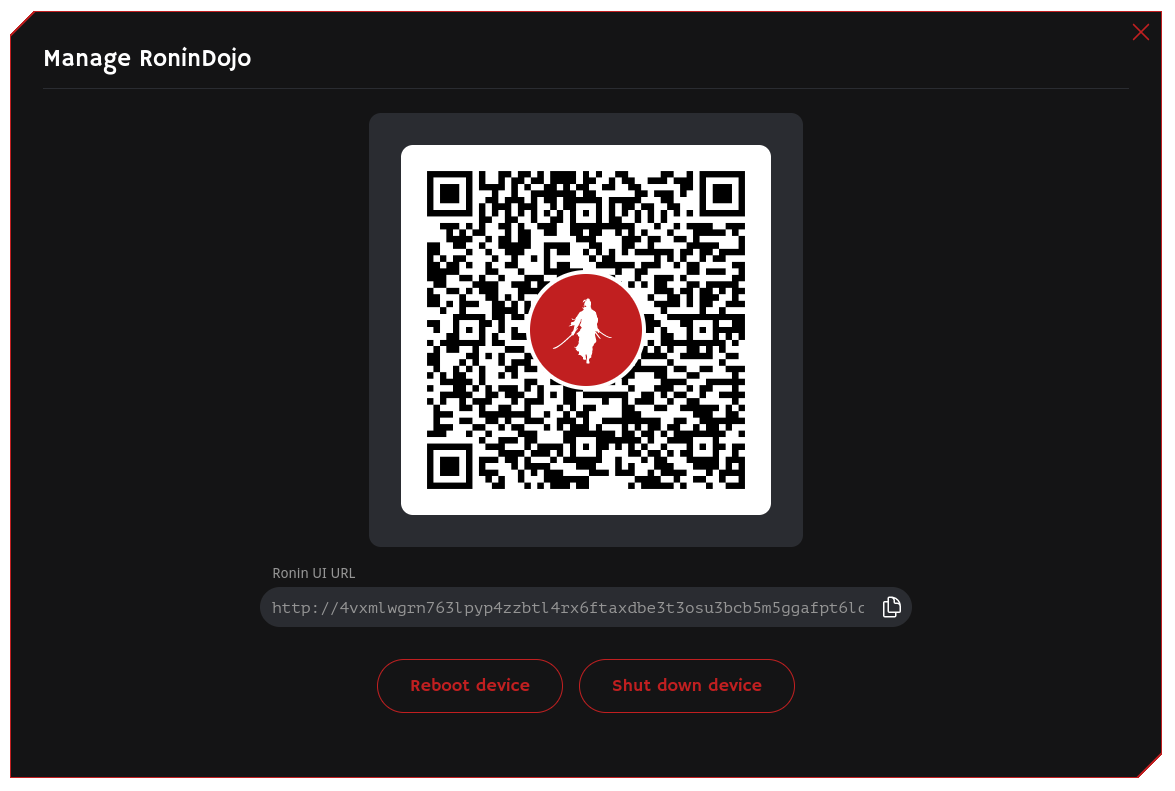
Paste the URL into your Tor Browser and sign in.
Don't forget to bookmark it !
Note: if you are having issues accessing the RoninUI using Tor browser, ensure your Tor Browser "Security Level" settings are set to Standard or Safer
¶ Access RoninUI from Tor Browser Mobile App
Access your RoninUI on the go when you are away from your home network!
Sign in to your RoninUI over your local network.
On your dashboard navigate to RoninDojo card, and click the
Managebutton in the bottom left corner.
- The RoninUI QR code for Tor will be displayed.
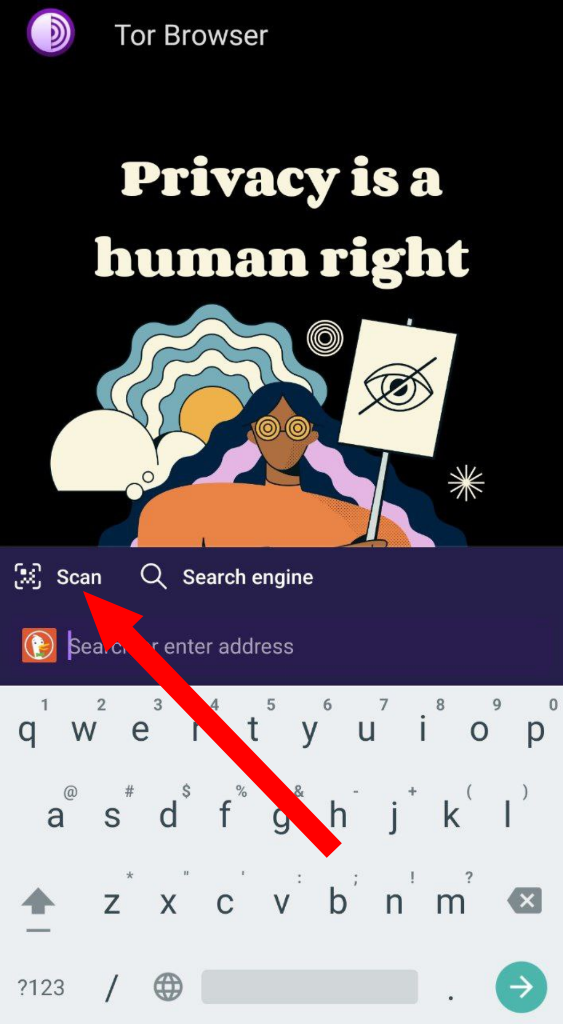
- Scan the RoninUI QR code with your Tor Browser mobile app.
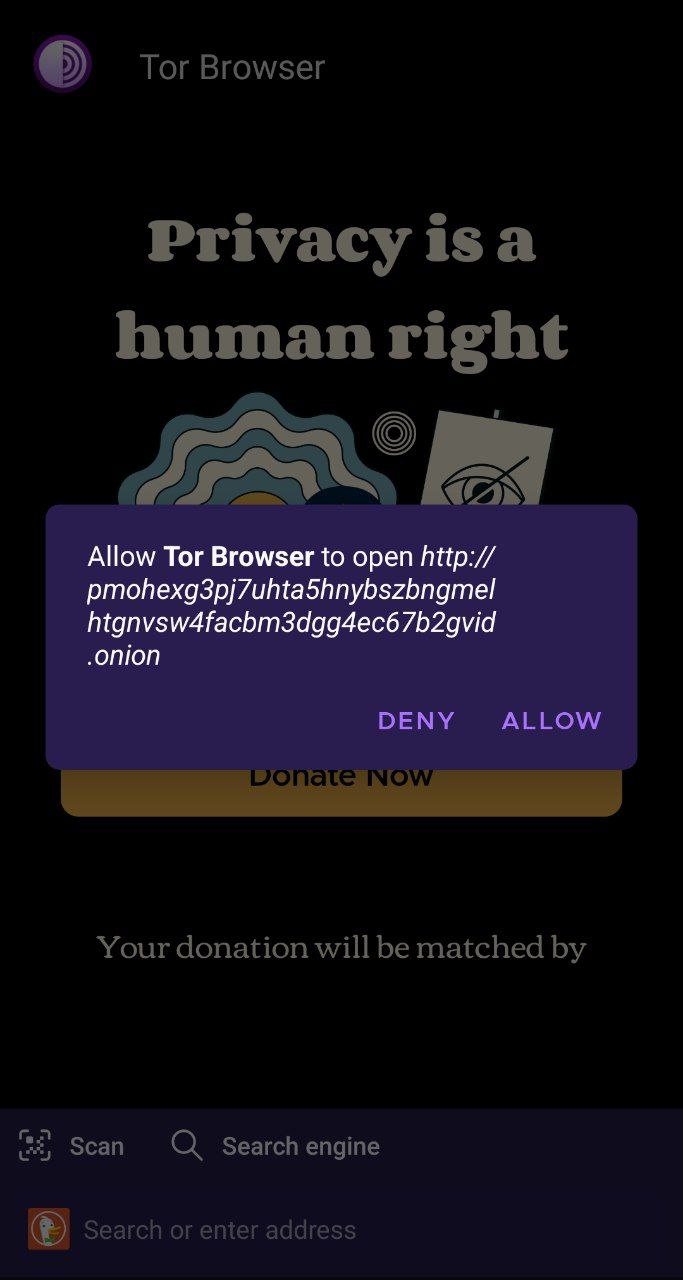
- Tap
ALLOW
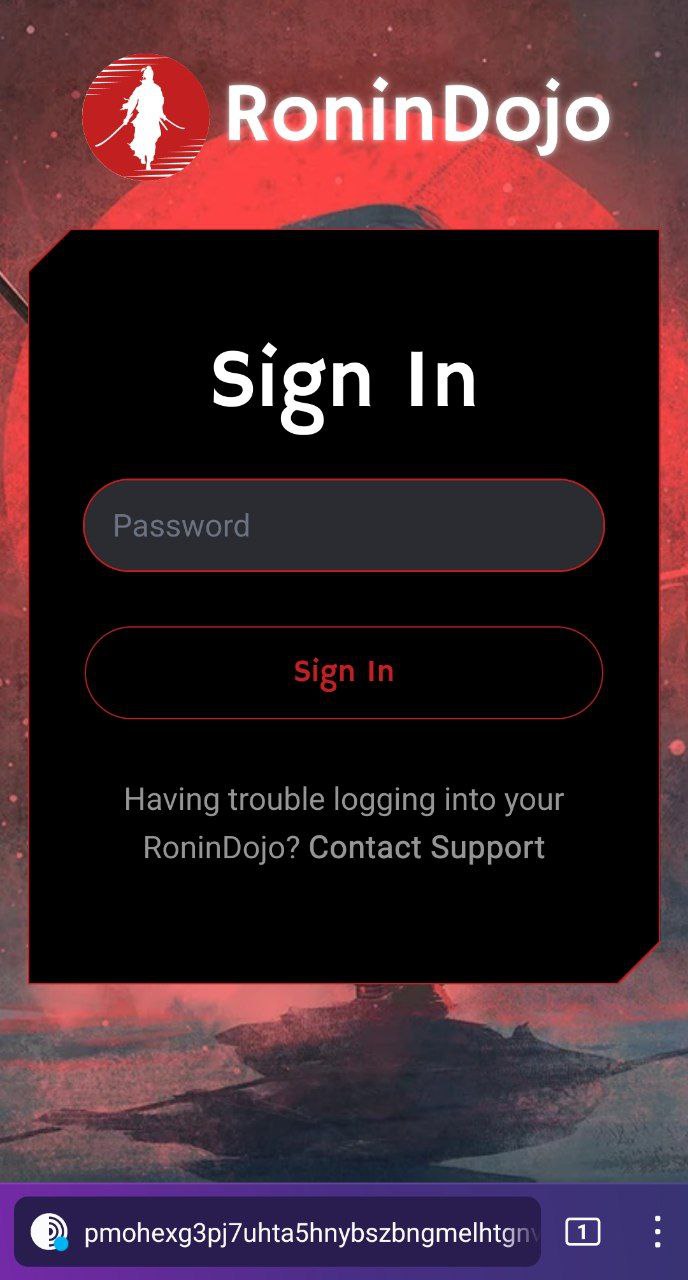
- Enter your password to sign in
- Don't forget to bookmark it for later usage!
Note: if you are having issues accessing the RoninUI using Tor browser, ensure your Tor Browser "Security Level" settings are set to Standard or Safer
¶ Updates
RoninDojo bitcoin nodes can be updated via the the RoninUI. A notification banner will appear at the top of the user interface when an update is available.
¶ Additional Info
Check out Troubleshooting & Extras if you want more information.
Join the RoninDojo Chatroom and engage the community.