Mempool Visualizer
Page Contents
Introduction
Install Mempool Visualizer
Additional Info
¶ Introduction
The Mempool Visualizer that comes with your RoninDojo provides a visual representation of the current state of your node's mempool. Having your own local version of Mempool Visualizer running over Tor allows you to query block and transaction data without leaking any private information to third party servers.
This tool can come in hands for doing the following tasks...
- Using accurate fee estimates when sending transactions
- Tracking transaction ID's
- Viewing recent block data
- Checking transaction stats
¶ Install Mempool Visualizer
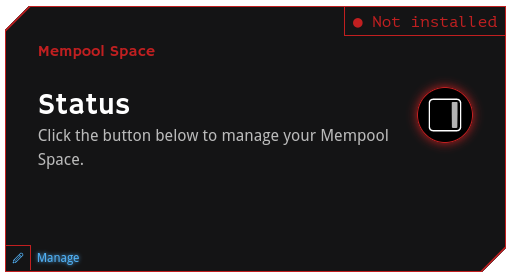
- On your RoninUI dashboard navigate to Mempool Space card, and click the
Managebutton in the bottom left corner.
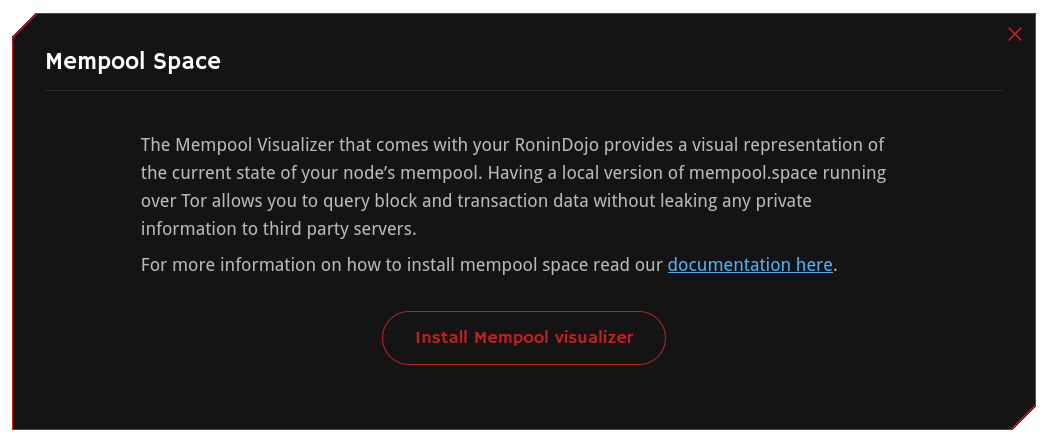
- Click the
Install Mempool visualizerbutton.
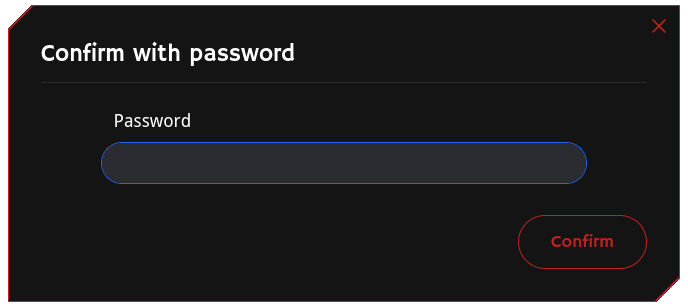
- Confirm your password.
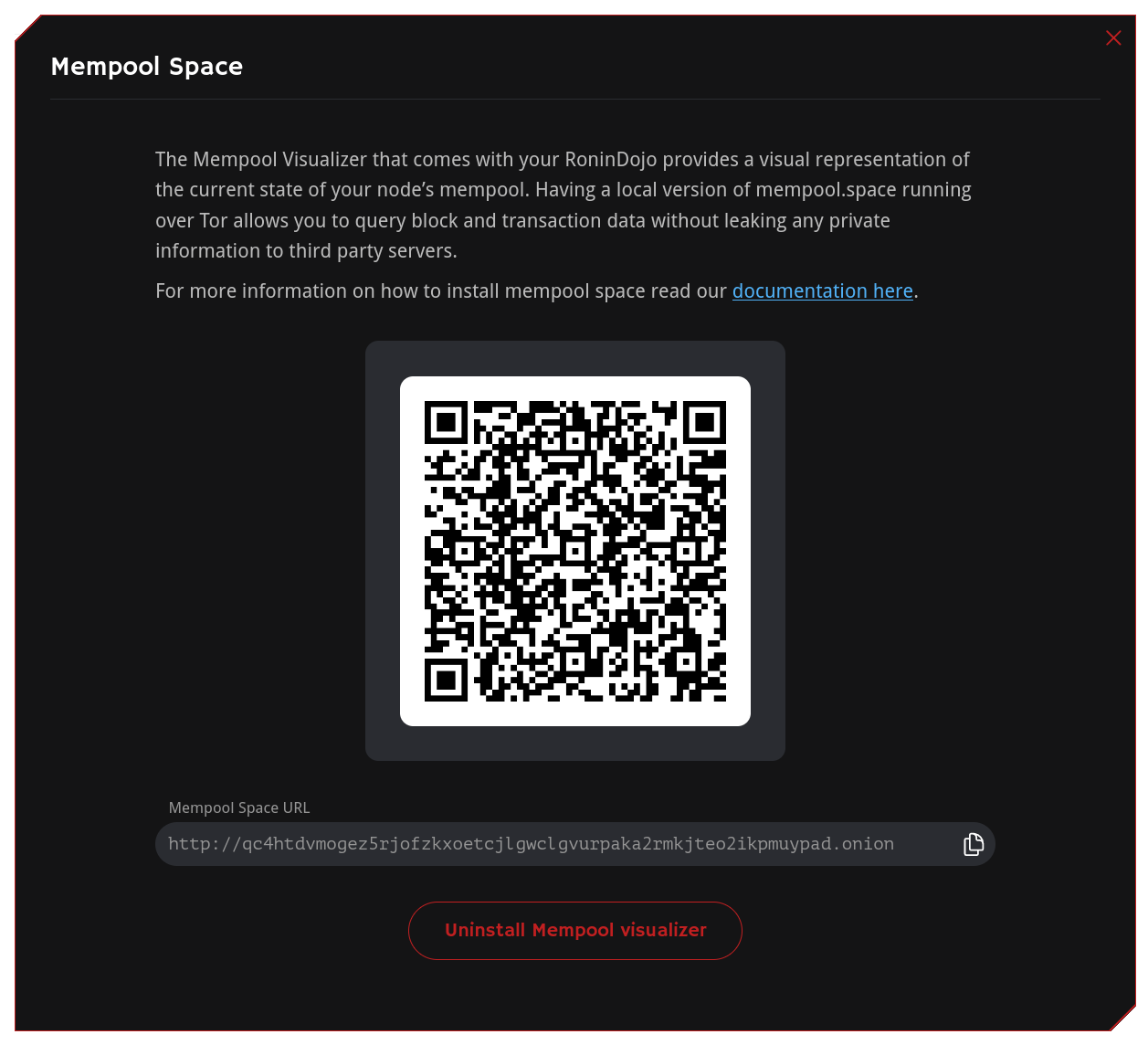
- Copy the Mempool Space URL ending with
.onionand paste it into your Tor browser.
- That's literally it, you can now get a visualization of your node's mempool directly from any Tor browser.
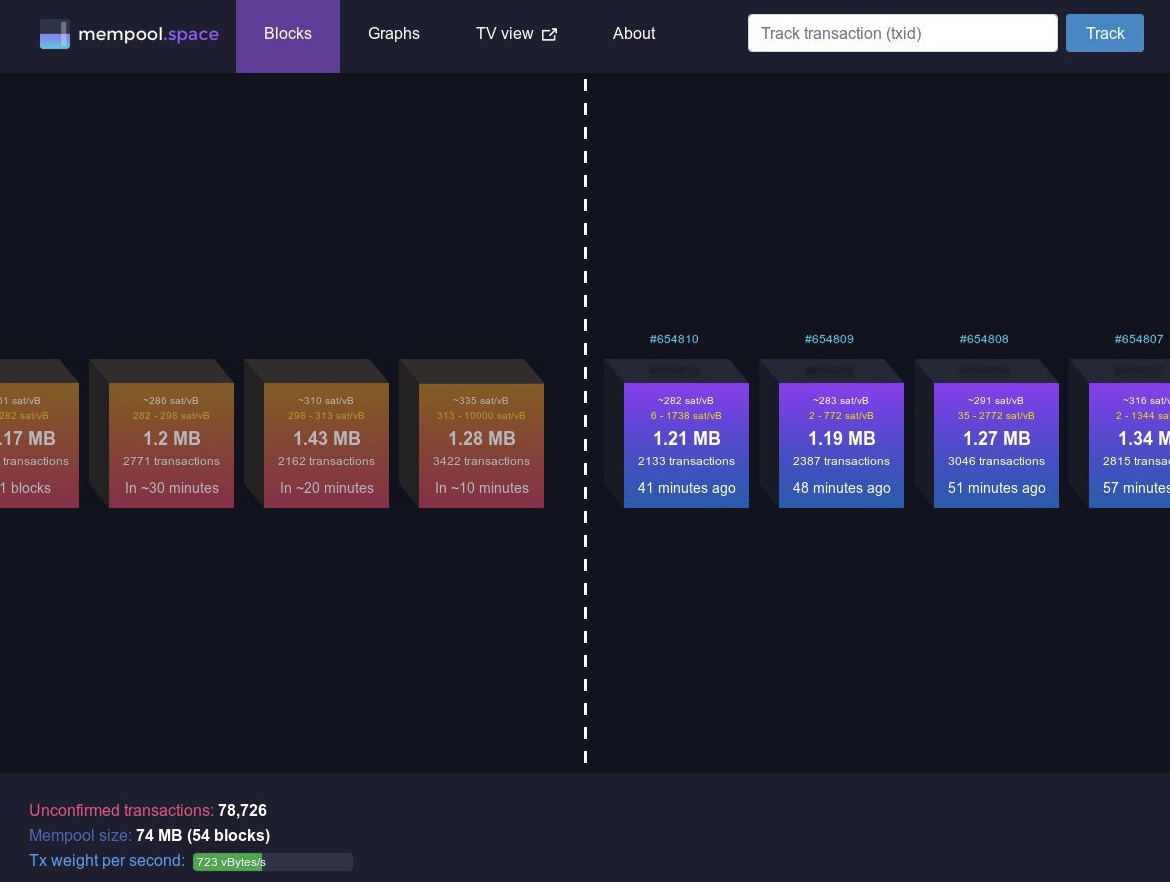
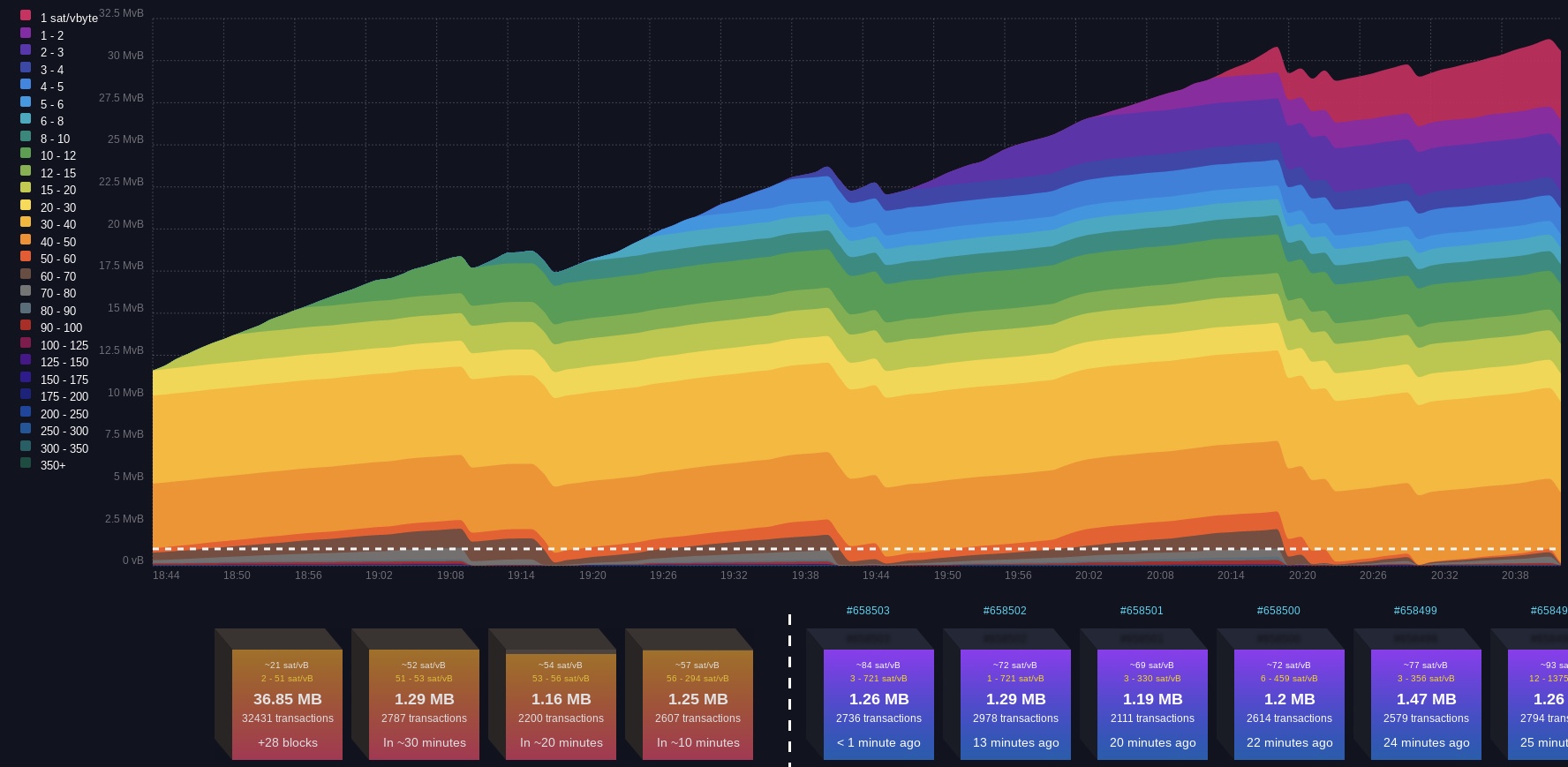
- Bookmark your Mempool URL in the Tor browser on your phone or laptop so that you can query your node privately from anywhere in the world!
¶ Additional Info
Check out Troubleshooting & Extras if you want more information.
Join the RoninDojo Chatroom and engage the community.